Corbin Deserves Better Footage Than It's Getting
We spend a lot of time filming in Corbin, and here's the honest read: the town has outgrown its video. Downtown has real restaurants now — the kind of places on Main Street that would hold their own in Lexington. NIBROC packs the streets every August. Cumberland Falls pulls tourists off I-75 year-round, and plenty of them eat, shop, and stay in Corbin on the way. The businesses are legitimately good.
But scroll the average Corbin business page and you'll see one shaky handheld phone clip, filmed in bad light, from one angle, in one take. The business looks smaller than it is. The gap between how good Corbin businesses are and how good they look on camera is the easiest marketing win in Whitley County right now.
The fix isn't a Hollywood budget. It's three cameras — or honestly, three angles — used the way professionals use them.
Why Three Angles Changes Everything
One continuous shot from one position reads as amateur no matter how nice the camera is, because your brain has spent decades watching TV. Broadcast content cuts between angles every few seconds. When your video does the same, viewers unconsciously file it in the "real production" category — the same category as the regional chains and franchises you're competing against.
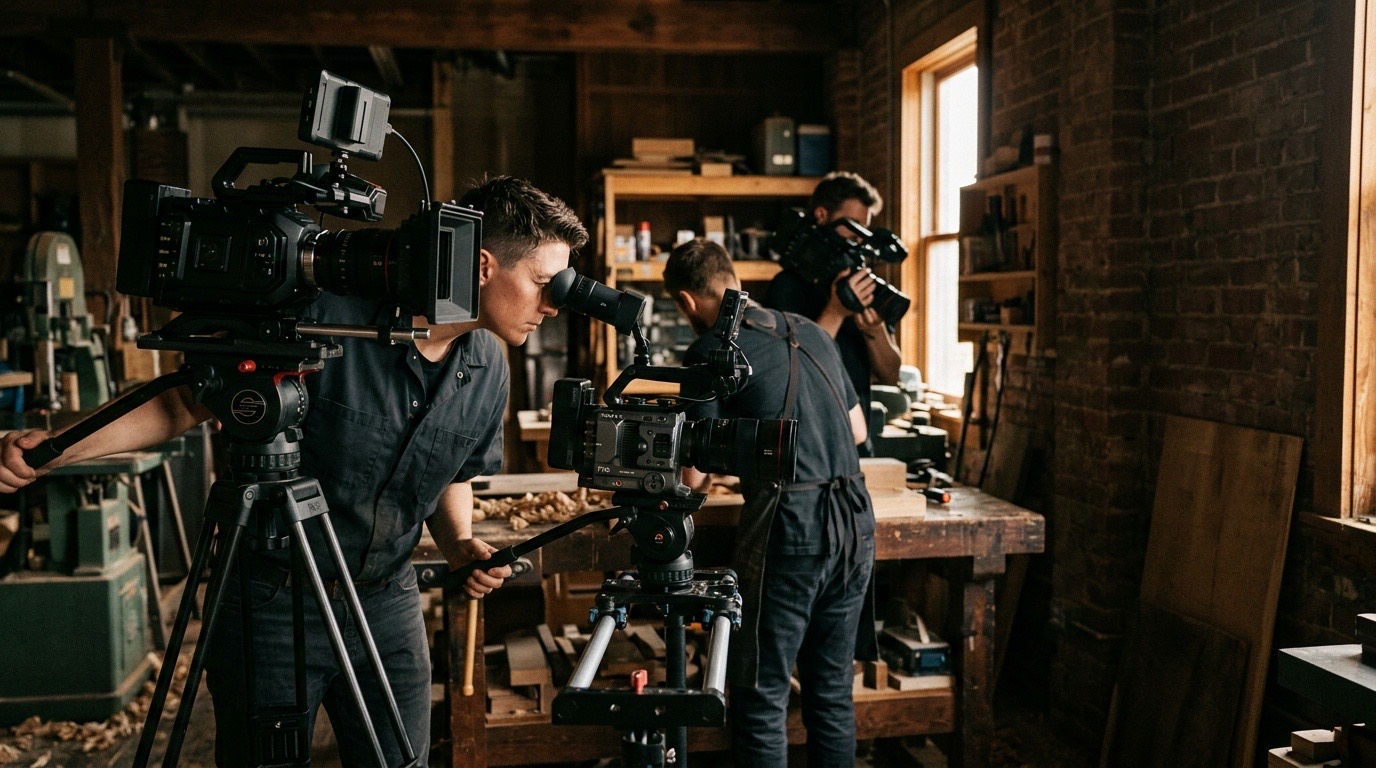
Here's the setup, and none of it requires cinema gear. Two decent mirrorless bodies and a phone on a tripod will do it. So will three phones.
Camera A: The Anchor Shot
This is your main angle — the owner or staff member talking, framed from the chest up, camera at eye level, subject slightly off-center. This shot carries the message, so it gets the best light and the best microphone. If you shoot inside a downtown Corbin storefront, put your subject facing the front windows, not backlit against them. Those big old Main Street windows are gorgeous natural light sources if you use them in the right direction — and a squinting silhouette if you don't.
Camera B: The Side Angle
Set 30–45 degrees off to the side, framed a little tighter or a little wider than Camera A. This is the angle you cut to when someone stumbles over a word, and it's what makes the final edit feel intentional. Every cut to Camera B hides an edit and adds energy. This single addition is the biggest jump in perceived production value per dollar spent — it can literally be a phone clamped to a light stand.
Camera C: The Detail Camera
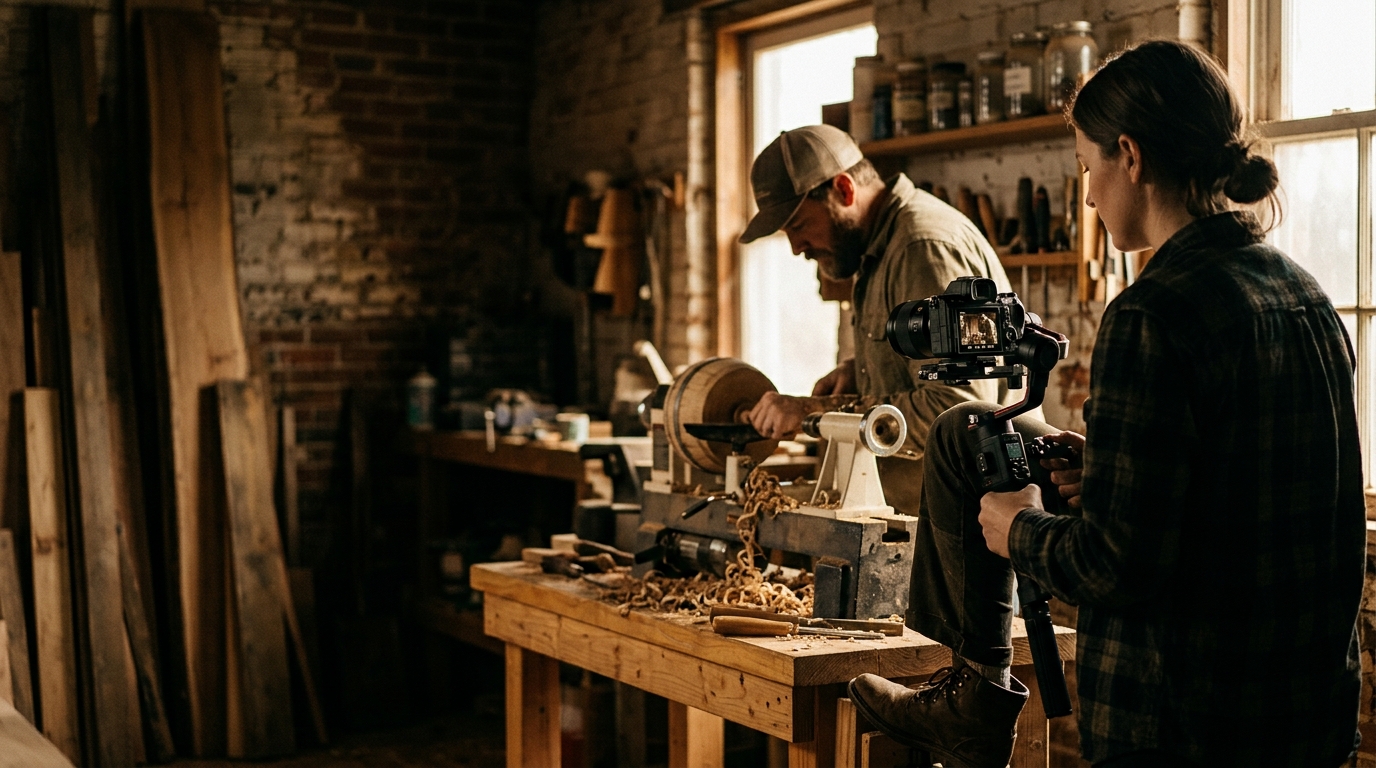
This one roams. While A and B stay locked on the interview, Camera C gathers the shots that make a business look alive: hands plating a dish, steam off the flat top, a customer laughing at the counter, the sign out front, the crowd on Depot Street during NIBROC if you're smart enough to film during festival week. In the edit, these shots cover cuts and prove the things the owner is saying. A restaurant owner saying "everything's made fresh" over footage of it actually happening is ten times more convincing than the sentence alone.
The Corbin-Specific Playbook
Restaurants: Shoot the Golden Hour, Not the Dead Hour
The instinct is to film when the restaurant is empty so it's easier. Resist it. An empty dining room looks like a struggling business. Film during a moderately busy service — early Friday dinner is ideal — with Camera C capturing real energy. Downtown Corbin at dusk, with the storefront lit and people at tables in the window, is your best exterior shot and it's free.
Tourism-Adjacent Businesses: Borrow the Falls
If any part of your business touches the Cumberland Falls traffic — lodging, outfitters, restaurants, retail — put the destination in your video. Ten seconds of the falls or the Sheltowee Trace footage at the top of your video borrows the emotional pull of the reason people are coming here, then hands it to your business. Tourists planning a trip watch that content by the hour.
Everyone: Film During NIBROC Once a Year
One afternoon of festival filming gives you crowd shots, energy, and community credibility you can cut into your videos for the next twelve months. It also signals something no ad copy can: this business is from here.
The Three Mistakes That Undo All of It
Bad audio. Viewers forgive soft focus; they will not forgive audio that sounds like a bathroom. A $25 wired lavalier into a phone beats the built-in mic on a $2,000 camera. If you fix one thing, fix this.
Mixed color. If Camera A is warm and Camera B is blue, the edit screams amateur. Set all three cameras to the same white balance before you roll — don't leave them on auto.
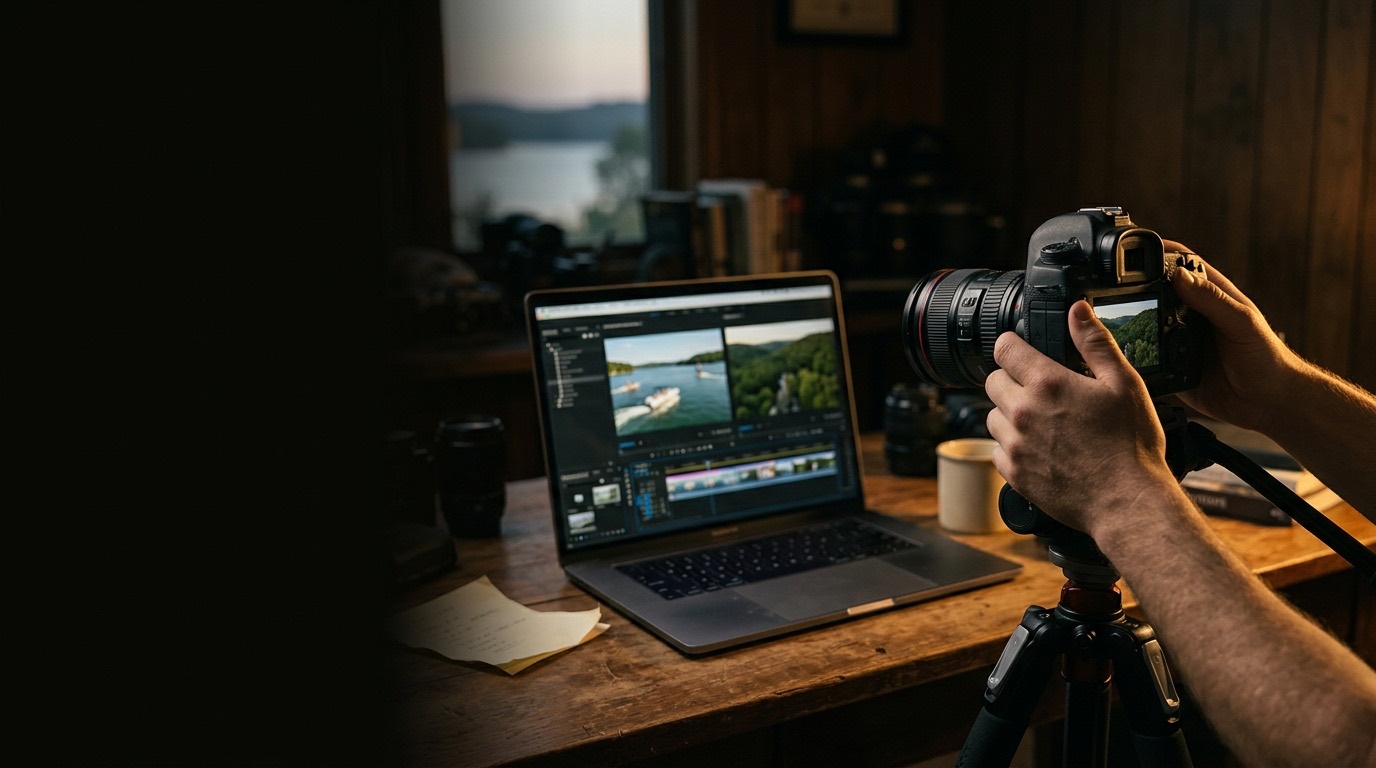
No plan for the edit. Three cameras of footage with no structure becomes a hard drive full of guilt. Before you film, write the five beats of the video on an index card: hook, who we are, what we do, proof, ask. Shoot to that card.
When to Do It Yourself and When Not To
For weekly social content — specials, quick updates, behind-the-scenes — this three-angle system is absolutely something a Corbin business can run in-house, and you should. Batch it: one hour of filming a month covers four weeks of posts.
For the video that sits at the top of your website, plays before every sales conversation, and represents the business for the next two years, the math usually flips. Professional lighting, real interview direction, licensed music, and a tight edit are the difference between "nice video" and "wait, how big is this company?" — which is the entire point of the exercise.
That second kind is what we do. Envision Media Co. produces professional video and photography for businesses across Corbin, Whitley County, and the Tri-County area — restaurants, service companies, and everyone catching the Cumberland Falls traffic. If you want your business to look on camera the way it actually is in person, book a free 15-minute call and we'll map out what that takes.
Founder & Director of Photography, Envision Media Co. · London, KY
Cody has run camera on 300+ shoots for 50+ businesses across southeastern Kentucky since 2022, from Somerset marinas to Corbin contractors to Lexington retail. He still shoots most jobs himself, which is where the specifics in these posts come from. More about Cody.
Ready to Grow?
Let's Build Something Together
Want results like the ones we write about? Book a free strategy call and let's make it happen.