Bad Audio Ruins Good Video: The Mic and Sound Setup Guide for Kentucky Business Owners Filming Their Own Content
People will forgive a shaky shot. They will not sit through two minutes of echo, HVAC hum, and a box fan running somewhere off-camera.
That's the part most business owners get backwards. You bought the ring light. You upgraded the phone. You watched a dozen videos about framing and lighting. And then you recorded in a hard-walled conference room with the mic eight feet away, and the whole thing sounds like a hostage video.
Here's the honest hierarchy: audio quality matters more than video quality for anything where someone is talking. A clean voice over a mediocre picture reads as "real business owner, filmed quickly." A beautiful 4K shot with hollow, echoey sound reads as "amateur." Your brain makes that call in about three seconds, and it makes it before you've registered a single word.
This guide covers four environments Kentucky business owners actually film in, what mic to use in each, where to physically stand, and what to do when you've already shot something that sounds bad.
Why Your Audio Sounds Bad (It's Probably Not the Mic)
Before you buy anything, understand the three things wrecking your sound.
Distance. Sound falls off fast. A mic six inches from your mouth captures mostly you. A mic six feet away captures you plus the room, and the room is louder than you think. Your phone's built-in mic is almost always too far away.
Reflection. Hard surfaces bounce sound. Drywall, concrete floors, glass, metal shelving, that giant conference table. Every bounce arrives at the mic a split-second late, and that smear is what you hear as "echo" or "hollow." You cannot fix this with a better mic. A better mic captures the echo more accurately.
Constant noise. HVAC, refrigeration compressors, air compressors, fluorescent ballast buzz, highway traffic, a shop vac two bays over. Your ears filter this out in real life. Microphones do not. Microphones are honest.
Fix distance and reflection first. Everything else is a rounding error.
The Gear That Actually Matters
You don't need a lot. You need the right one for the room.
Wireless lavalier (clip-on) systems
The single most useful purchase for a business owner filming themselves. A transmitter clips to your collar, a receiver plugs into your phone or camera. The mic sits six inches from your mouth no matter where you walk.
Rode and DJI both make compact two-person wireless kits in the few-hundred-dollar range. Look for: onboard recording as a backup, USB-C and Lightning adapters included, and at least a few hours of battery.
This is the default answer for most small business content. Talking head videos, walkthroughs, testimonials, "here's what we do" explainers.
Shotgun mic (on camera or on a boom)
A directional mic that rejects sound from the sides and rear. Mounts to your camera's cold shoe or on a boom arm just out of frame. Great when you don't want a visible lav clipped to a dress shirt, and good at cutting down ambient noise if you get it close.
A shotgun on a camera ten feet away is not better than a lav. It's just a more expensive version of the same mistake.
Handheld dynamic mic
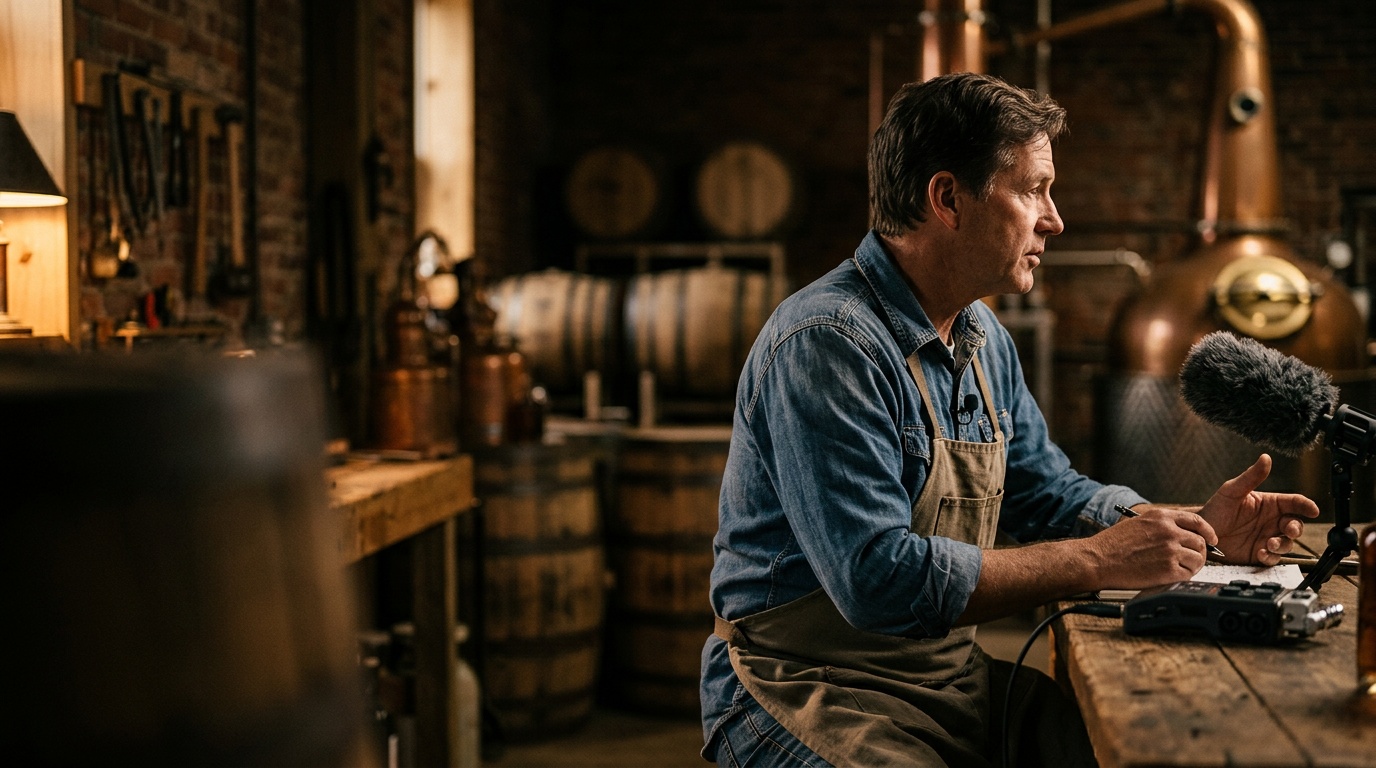
The thing you see in interviews. Dynamic mics are less sensitive than condensers, which sounds like a downside and is actually the superpower — they pick up what's directly in front of them and largely ignore the room. In a loud space, a handheld dynamic held three inches from the mouth is nearly unbeatable.
Wired lav + phone
The budget option. A cheap wired lavalier that plugs directly into your phone will beat your phone's built-in mic by a mile. If your budget is $30, this is where it goes.
Four Kentucky Filming Environments, Four Setups
1. The Office or Conference Room
The problem: This is usually the worst-sounding room in the building. Drywall, a big hard table, glass, and an HVAC vent directly overhead.
The mic: Wireless lav, clipped to the collar about a hand's width below your chin, centered or slightly off-center. Tuck the cable inside your shirt.
Where to stand:
- Turn the HVAC off before you roll. Not down. Off. Set a timer on your phone so you remember to turn it back on.
- Don't stand centered between two parallel hard walls. Angle yourself in the room.
- Film with soft stuff behind the camera and behind you — a couch, curtains, bookshelves, even a few moving blankets on a rolling rack. The sound you're killing is the reflection coming back at the mic.
- Avoid the empty conference room with the long table. If that's your only option, film at one end, close to a wall with something soft on it.
Quick win: Record ten seconds of silence in the room before you start talking. You'll need it later for noise reduction.
2. The Warehouse or Shop Floor
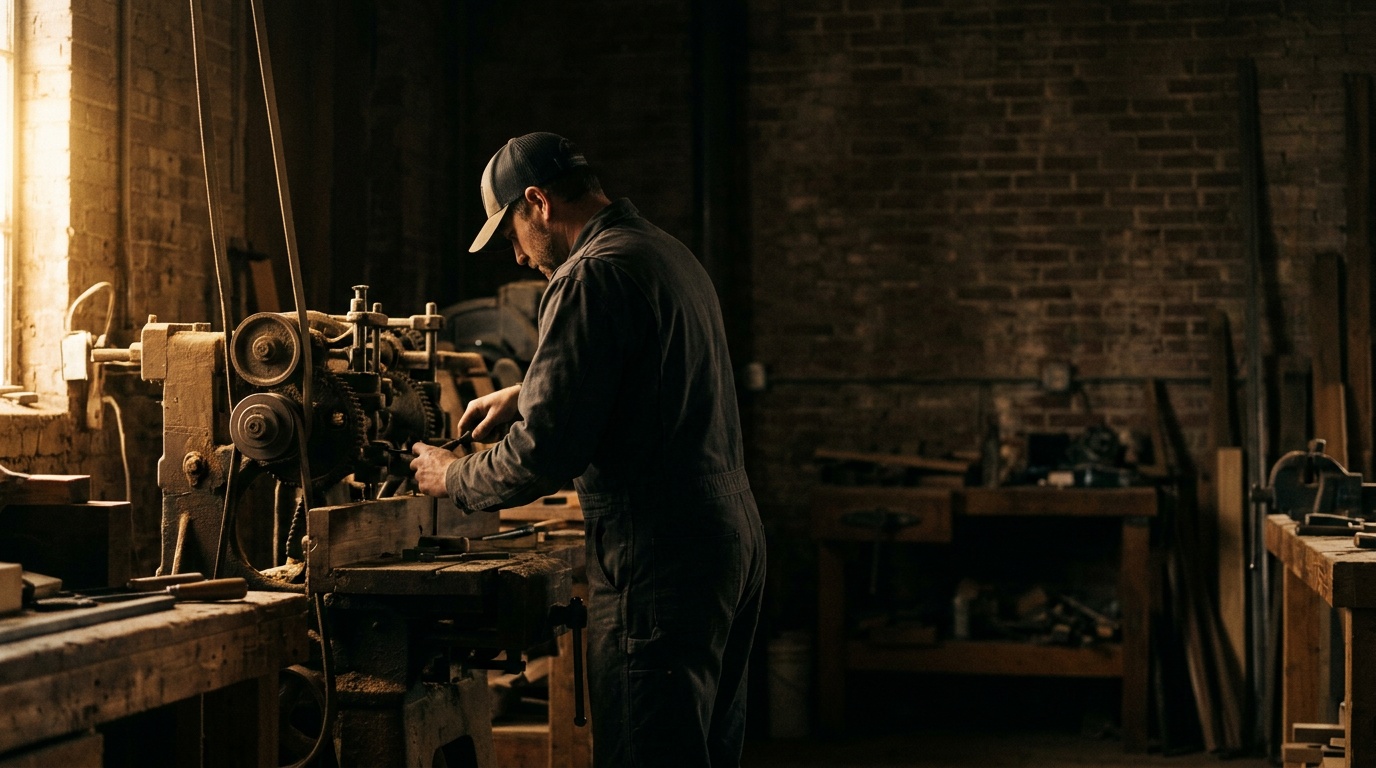
The problem: Concrete floors, metal roofs, steel racking, and massive reverb. Plus compressors and forklift beepers that cycle on without warning.
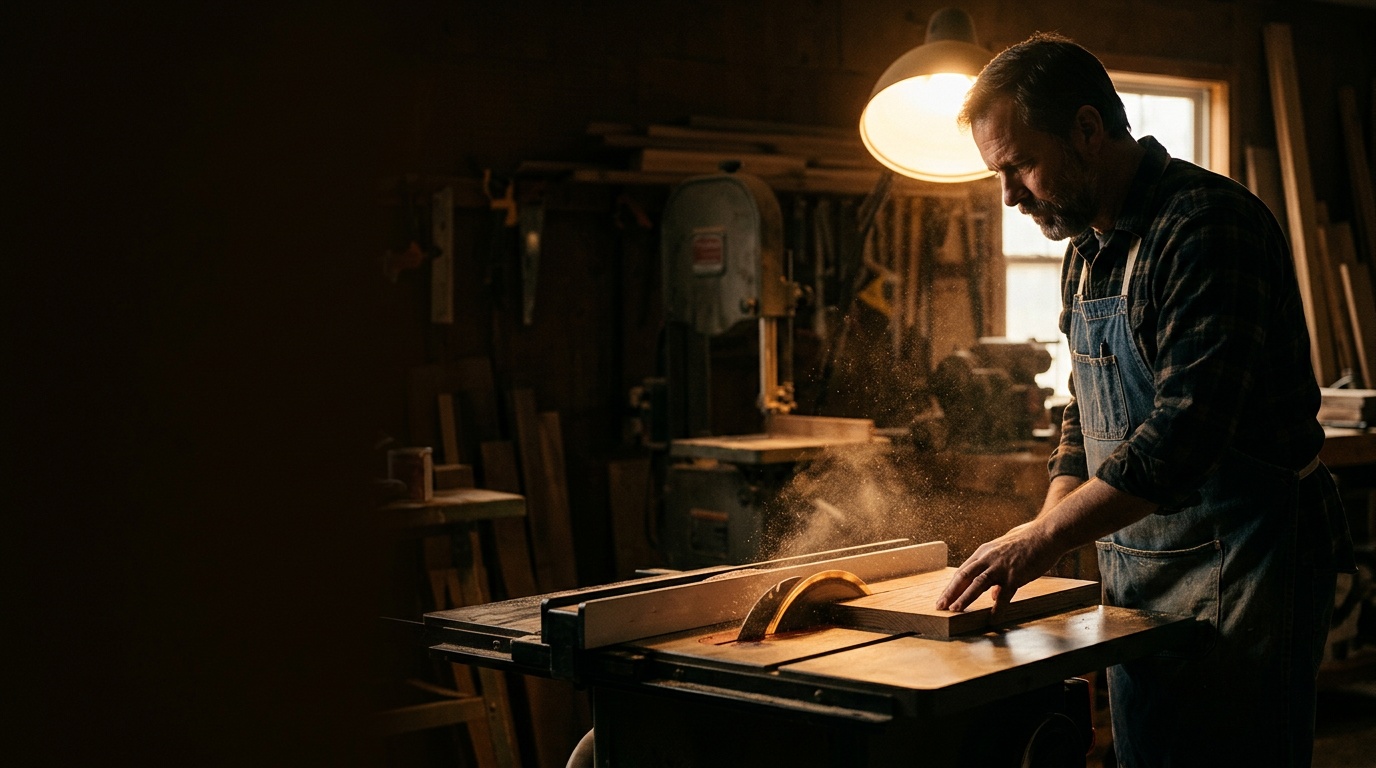
The mic: Wireless lav, worn under a collar or clipped to a work shirt. If you're doing an interview format where the mic can be visible, a handheld dynamic is even better here because it rejects the room aggressively.
Where to stand:
- Get close to inventory. Pallets of product, stacked boxes, and loaded racking absorb sound. An empty aisle is a reverb chamber; a full one is almost usable.
- Stay out of the middle of the floor and out from under the tallest part of the roof.
- Walk the space with headphones on and the mic live before you shoot. You will hear a mechanical hum you've stopped noticing after years of working there.
- If you can schedule around it, film during a shift break or before open. Twenty minutes of quiet is worth more than any gear upgrade.
3. The Job Site
The problem: Everything. Saws, generators, traffic, other trades, and wind.
The mic: Wireless lav with a furry windscreen on it — the little fuzzy cover. Not optional outdoors or anywhere with moving air. If you're doing short soundbites, a handheld dynamic with a foam windscreen gives you the most control.
Where to stand:
- Put your back to the noise and the mic between you and the camera. Directional rejection is about geometry.
- Use the building itself. Step inside a framed structure, behind a truck, around the corner of a wall. A solid object between you and a generator does more than any software.
- Shoot your talking parts separately from your action footage. Find the quietest two-minute pocket on the site, nail the dialogue, then go get your B-roll of the actual work with no dialogue needed. You're going to cut them together anyway.
Quick win: Record your voiceover later in a quiet vehicle. A car interior is upholstered, small, and surprisingly good for voice recording. Park, turn the engine off, record into your phone with a lav.
4. Outdoors
The problem: Wind, road noise, and nothing around to contain your voice.
The mic: Lav with a furry windscreen, period. Outdoors is the one environment where the wrong accessory ruins an otherwise perfect take, and wind noise is close to unfixable in post.
Where to stand:
- Check wind direction with a wet finger or a handful of grass before you set up. Position so the wind hits your back, and put the lav on the downwind side of your collar.
- Get away from roads. Distance from traffic matters more than anything else you'll do.
- Buildings, treelines, and parked vehicles are windbreaks. Use them.
- Early morning is usually the calmest air and the lightest traffic. It's also the best light. Shoot early.
You Already Shot It and It Sounds Bad. Now What?
Some of this is salvageable. Here's the order of operations, using free tools.
1. Separate the voice from the noise before you touch anything else.
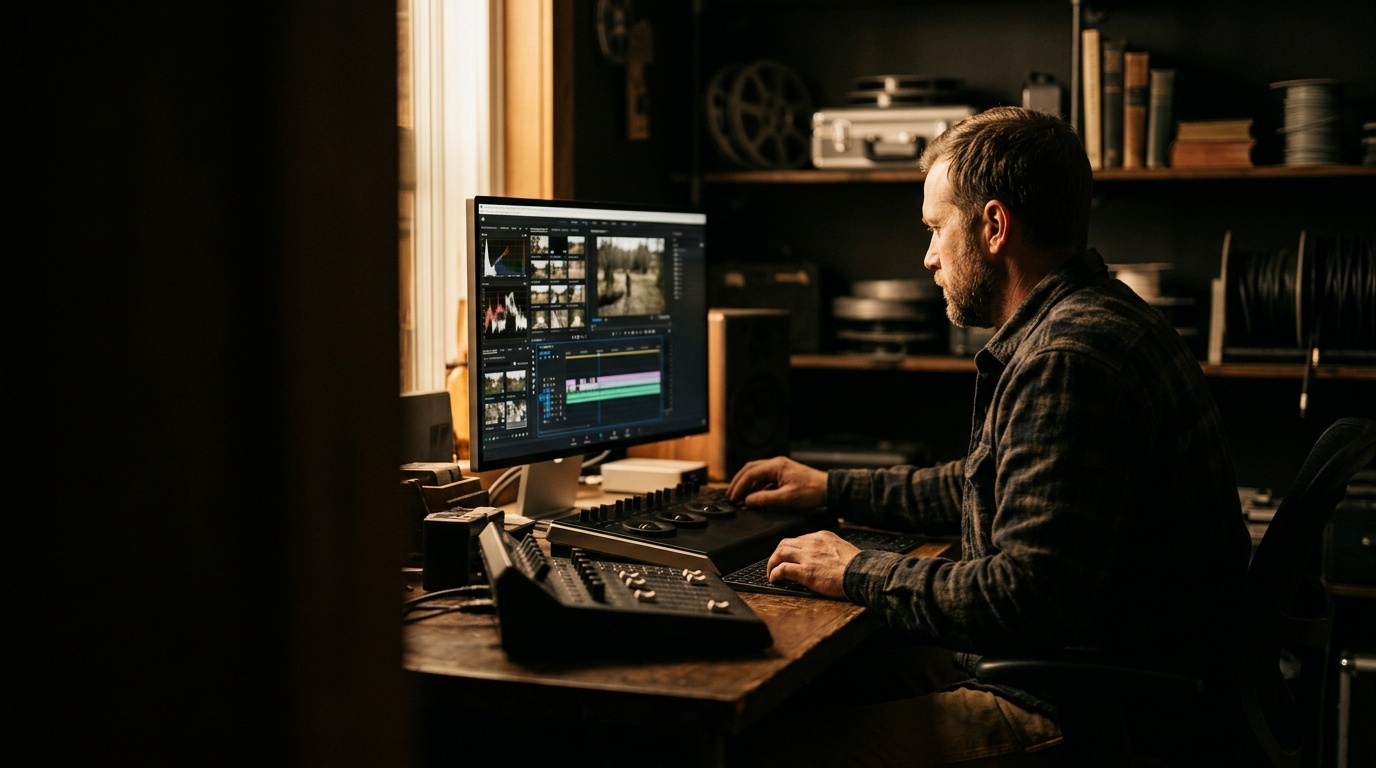
Several free AI speech-cleanup tools now exist, including browser-based ones from Adobe and the Voice Isolation feature built into DaVinci Resolve. Export just your audio, run it through, and listen. These tools are very good at steady hum and background chatter and less good at heavy reverb. Start here because it's one click.
2. Noise reduction in Audacity (free).
This is where that ten seconds of room silence pays off. Select the silent section, go to Effect → Noise Reduction → Get Noise Profile. Then select the whole track and apply the reduction. Use a light touch. Crank it too far and your voice turns into a robot underwater. If it sounds processed, back it off.
3. High-pass filter.
Roll off everything below roughly 80–100 Hz. Almost nothing useful in a human voice lives down there, but a huge amount of rumble, HVAC thrum, and handling noise does. This one move cleans up more recordings than people expect.
4. Compression and normalization.
Compression evens out the loud and quiet parts so viewers aren't reaching for the volume knob. Then normalize so your video's loudness matches everything else in their feed.
5. Hide what's left under music or cuts.
A low music bed masks a surprising amount of residual noise. So does cutting to B-roll at the exact moment a compressor kicks on.
What you cannot fix: heavy echo, wind distortion, and clipping (audio recorded so loud it squared off). If you've got those, reshoot. Twenty minutes of reshooting beats two hours of fighting a dead file.
The Workflow Worth Building
Make this a repeatable checklist, not a decision you re-make every time:
That last one has saved more shoots than any piece of gear. Two recordings, two failure points, almost never both at once.
Good audio isn't about spending money. It's about standing closer, turning things off, and listening before you commit. Do those three things consistently and your self-shot content will sound better than most of what's competing with it.
If your business has reached the point where DIY content isn't keeping up — or you want a video library built right the first time — let's talk. Envision Media Co. handles professional videography for businesses across Kentucky, from London and Corbin to Somerset, Richmond, and Lexington. Book a strategy call and we'll map out what's worth filming, what's worth outsourcing, and what you can keep doing yourself.
Founder & Director of Photography, Envision Media Co. · London, KY
Cody has run camera on 300+ shoots for 50+ businesses across southeastern Kentucky since 2022, from Somerset marinas to Corbin contractors to Lexington retail. He still shoots most jobs himself, which is where the specifics in these posts come from. More about Cody.
Ready to Grow?
Let's Build Something Together
Want results like the ones we write about? Book a free strategy call and let's make it happen.