Your Camera Isn't the Problem
You bought a better phone. Maybe you even bought a real camera. And the video still looks like a hostage tape.
Here's what's actually happening: your camera is doing its job, and the light in the room is terrible. Every modern phone can shoot footage that looks great — in good light. Drop that same sensor under a 4-foot fluorescent tube with a window behind you, and it falls apart. Soft skin tones go green. Faces go dark. The autofocus hunts. The image gets grainy because the camera is cranking ISO to compensate for a room that's darker than your eyes think it is.
Your eyes lie to you about light. Cameras don't.
The good news: most of the lighting problems in a small business are free to fix. You don't need a kit. You need to move a desk, kill a light switch, and point a chair in a different direction. Let's go room by room.
First, The Three Rules That Apply Everywhere
Before we get into specific rooms, understand the three things that make in-house video look cheap. Nearly every bad business video has at least two of these.
1. The light is coming from the wrong direction
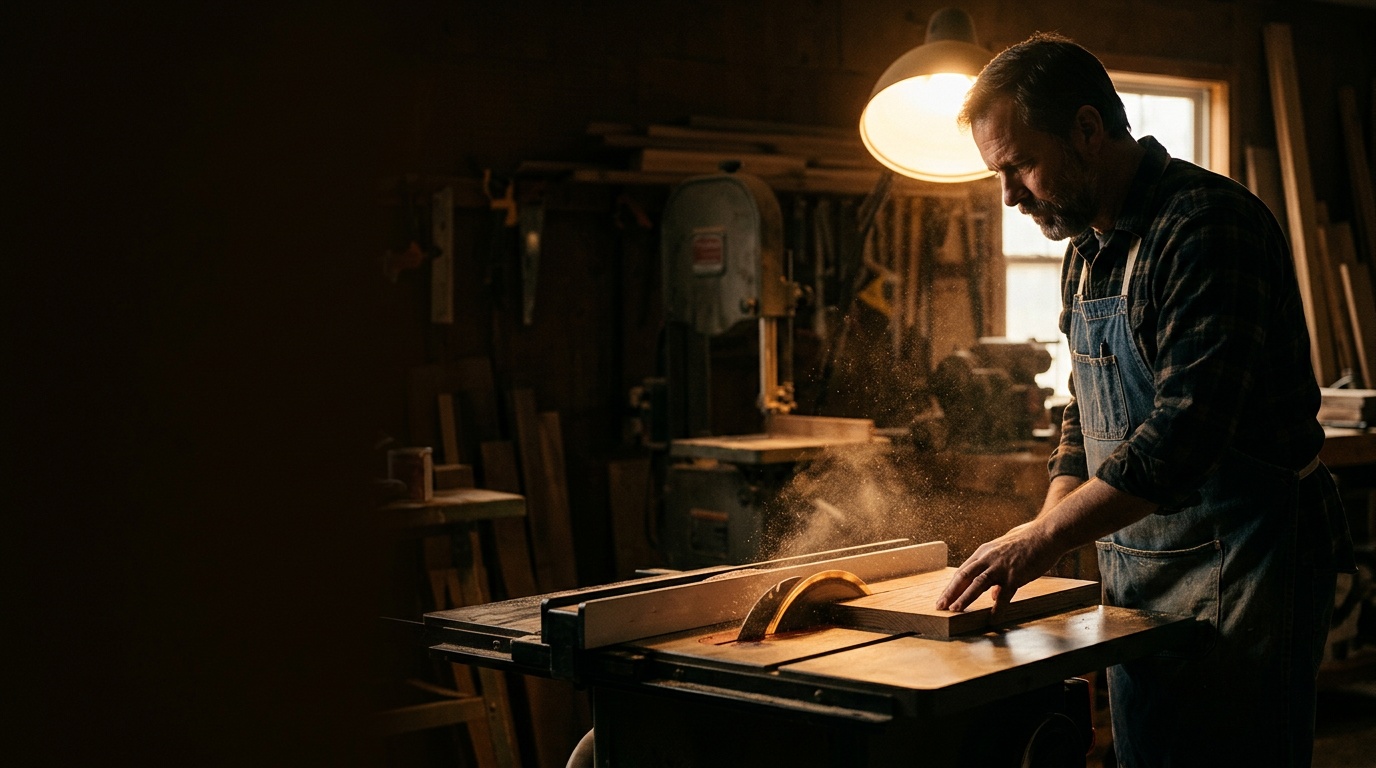
Overhead light is the default in almost every commercial building, and it's the single worst direction for a human face. It drops shadows into your eye sockets, under your nose, and under your chin. People call it "raccoon eyes." It makes everyone look tired and vaguely guilty.
You want light coming from roughly the same direction the camera is pointing, a little off to one side and slightly above eye level. That's it. That's the whole principle.
2. You're mixing color temperatures
Daylight from a window is blue. A standard office fluorescent is greenish. An old incandescent lamp is orange. Your eyes correct for all of it automatically. Your camera picks one and makes everything else look wrong.
If half your face is blue and half is green, no amount of editing saves it cleanly. Pick one light source type and kill the others.
3. The background is brighter than you are
Shoot with a window behind you and the camera exposes for the window. You become a silhouette. This is the most common mistake in small business video, and it happens because sitting with your back to the window feels natural at a desk.
Turn around.
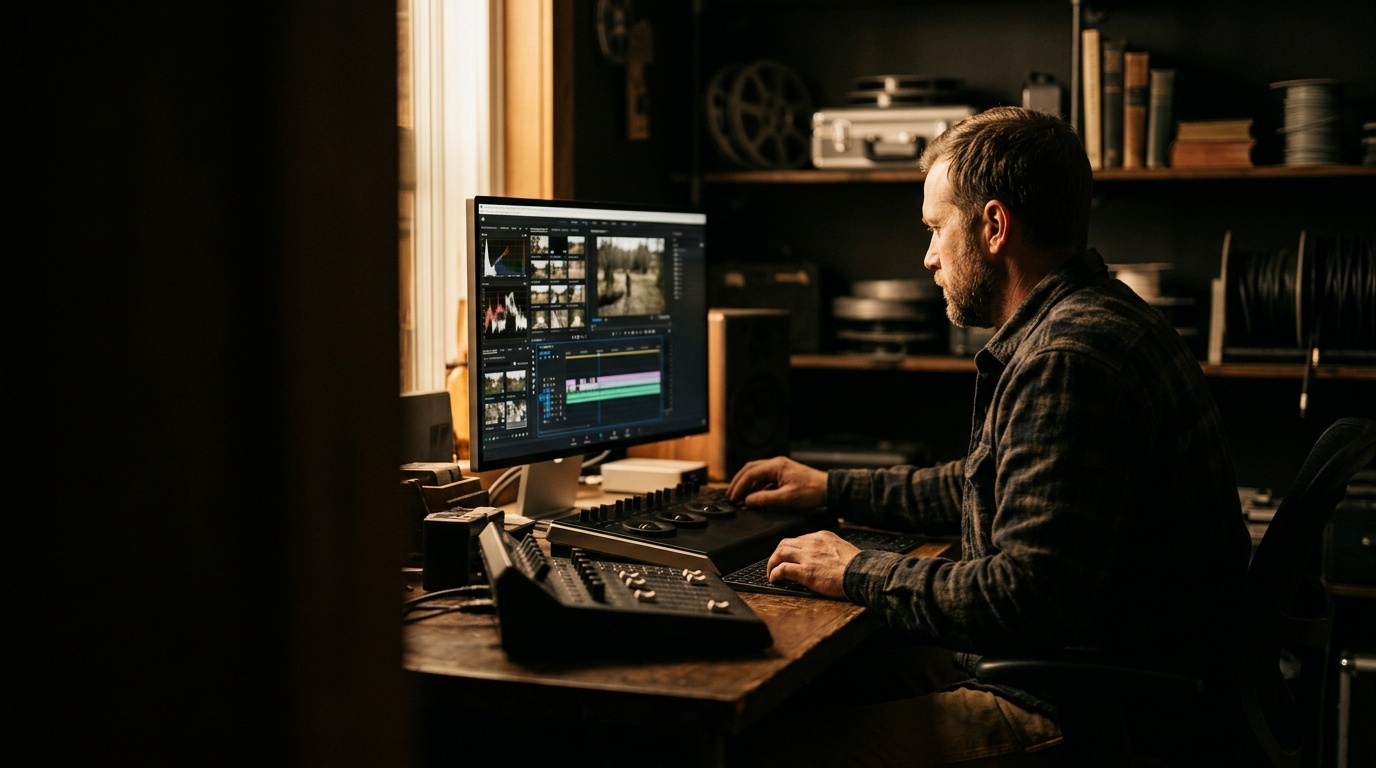
Room 1: The Office or Conference Room
This is where most talking-head content gets filmed — company updates, service explainers, FAQ videos, LinkedIn clips. It's also the room with the most free light available and the most people getting it wrong.
The fix:
If the window light is harsh — direct sun blasting in — hang a thin white sheet or sheer curtain over it. That turns a hard, unflattering light into a big soft one. This is the oldest trick in production and it costs nothing.
If there's no usable window, go to the gear section at the bottom. A windowless conference room is the one case where you genuinely need to buy something.
Lock your white balance
Whatever room you're in, don't let the camera guess. Set white balance manually — daylight if you're using a window, tungsten if you're under warm bulbs. Auto white balance will shift mid-sentence when someone walks past a lamp, and the color will pulse through your whole clip.
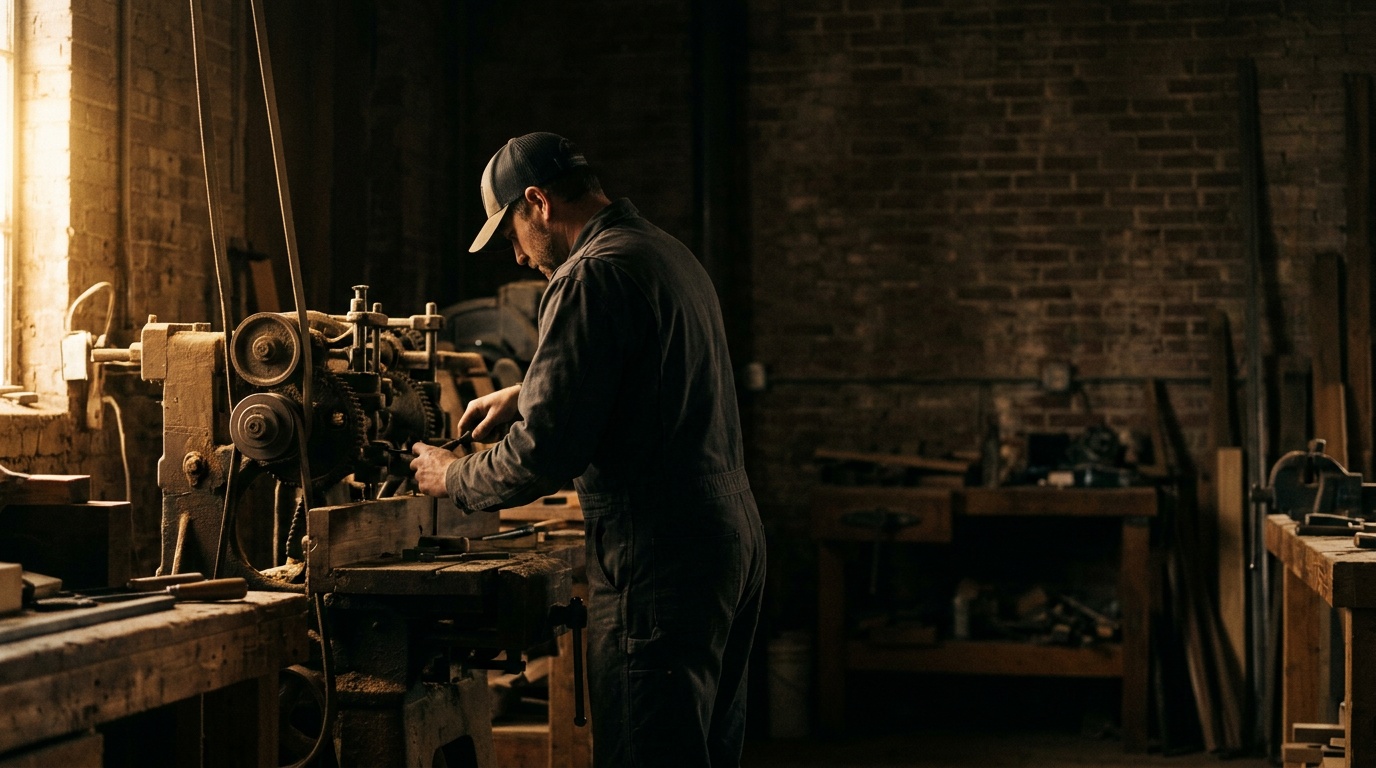
Room 2: The Shop Floor or Warehouse
Service businesses, contractors, manufacturers, auto shops — this is where your best content lives. Process footage. Work happening. Real stuff. It's also a lighting nightmare: high ceilings, metal halide or old fluorescent fixtures, big roll-up doors throwing daylight in from one side, and dark corners everywhere.
The fix:
- Shoot near the bay door, not deep in the building. The open door is a giant soft light source. Position the action six to twelve feet inside it. Close enough to get the light, far enough that the background isn't blown out white.
- Don't fight the overheads — use them as fill, not key. In a big shop, you usually can't turn them off. Instead, make sure daylight is the dominant source so the overheads just lift the shadows.
- Watch what's behind the subject. Shop floors are visually loud. A rolling tool cart, a clean section of wall, or the machine being worked on makes a better background than a cluttered corner full of boxes.
- If you're shooting a process close-up — hands on a part, a weld, a repair — get the light source and the camera on the same side. Hard shadows from your own body are the number one reason process footage looks unreadable.
One more shop-specific thing: if you have mercury vapor or old fluorescent fixtures, you may get flickering bands on video. Shoot at 1/60th of a second shutter speed (or 1/120) and the banding usually disappears.
Room 3: The Retail Counter
Boutiques, salons, coffee shops, dispensaries, gyms, clinics. The counter shot is a staple — product in hand, customer interaction, "here's what we do" to camera.
Retail is usually over-lit and under-flattered. Track lighting is pointed at merchandise, not at people. And it's almost always aimed straight down.
The fix:
- Step the subject out from under the track lights. One or two feet forward is often enough to get their face out of the top-down shadow.
- Use the storefront window as your key. Most retail spaces have one. Shoot into the store with the subject facing the glass, not the other way around.
- Re-aim one or two track heads if they're adjustable. Point them at the wall behind the subject instead of at the floor. Bouncing light off a wall turns a hard spotlight into a soft one.
- Watch for glass and chrome. Display cases, mirrors, and polished counters will throw reflections of your camera, your lights, and you straight into frame. Move three feet left and check again.
If your store runs warm bulbs, embrace it — set the camera to tungsten and let the whole thing read cozy. Just don't mix warm track lighting with blue daylight in the same frame.
Room 4: The Truck Cab
This is the most underrated content location for Kentucky service businesses, and it's lit better than most studios — for free. Contractors, HVAC techs, electricians, landscapers, real estate agents between showings. A quick update from the truck feels immediate and authentic in a way a conference room never will.
The fix:
- Park facing away from the sun, so light comes through the windshield onto your face, not over your shoulder.
- Never shoot with the driver's window as your only light unless you want half your face lit and half in black.
- Avoid shade from a building or tree on one side only — that's the same mixed-direction problem.
- Overcast days are the best days to shoot in a vehicle. The whole sky becomes a softbox.
- Mount the phone, don't hold it. A cheap vent or dash mount at slightly above eye level solves both your shaky hands and the up-the-nostrils angle.
And park. Please park. A phone on the dash while you're driving isn't authenticity, it's liability.
The Only Two Pieces of Gear Worth Buying
When free light runs out — windowless rooms, night shoots, winter afternoons that go dark at 5pm — here's what to get. Not a kit. Two items.
1. One large bi-color LED panel with a softbox
Key word: large. The size of the light source relative to the subject is what determines how soft the light is. A small, bright LED makes hard, ugly shadows. A big, diffused panel makes flattering light.
Bi-color matters because it lets you dial the light to match whatever room you're in — warm to match incandescent bulbs, cool to match a window. That's your mixed-temperature problem solved in one adjustment.
Put it slightly to one side of the camera, above eye level, angled down about 30 degrees. That's your key light. One good light, placed correctly, beats three bad ones.
2. A collapsible 5-in-1 reflector
Cheap, foldable, and it does the job of a second light without needing power. Hold the white side opposite your key light to bounce fill into the shadow side of a face. Use the black side to subtract light when a room is too flat.
The silver side is a usable outdoor bounce. The translucent center is a diffuser you can hold in front of a window or a harsh light.
Skip the ring light. It makes a distinctive donut catchlight in the eyes that reads instantly as "filmed at a desk," and it lights everything perfectly flat. It's a makeup tool that got adopted by video, and it shows.
What This Actually Buys You
Better lighting isn't a vanity project. Video is the highest-converting content format most small businesses have access to, and production quality is a direct proxy for perceived credibility. A prospect who watches a dark, green-tinted, echoing video makes a judgment about your business in about two seconds — and it isn't a judgment about your video skills.
Fixing light costs you nothing but attention. Move the chair. Kill the overheads. Face the window. Lock the white balance. You will see the difference on the first take.
And when in-house isn't enough — when you need a brand video, a real product shoot, or a content system that produces consistently instead of whenever someone remembers — that's a different conversation.
If you want video that actually looks like your business is worth hiring, let's talk. Envision Media Co. works with businesses across London, Corbin, Somerset, Richmond, and Lexington on professional videography and content systems built to run month after month. Book a strategy call and let's figure out what's worth doing in-house — and what isn't.
Founder & Director of Photography, Envision Media Co. · London, KY
Cody has run camera on 300+ shoots for 50+ businesses across southeastern Kentucky since 2022, from Somerset marinas to Corbin contractors to Lexington retail. He still shoots most jobs himself, which is where the specifics in these posts come from. More about Cody.
Ready to Grow?
Let's Build Something Together
Want results like the ones we write about? Book a free strategy call and let's make it happen.